Pipedrive vs ConvertKit: Sales CRM vs Email Marketing
Compare Pipedrive and ConvertKit for teams. Evaluate sales pipeline CRM against automated email marketing funnels and true software pricing.

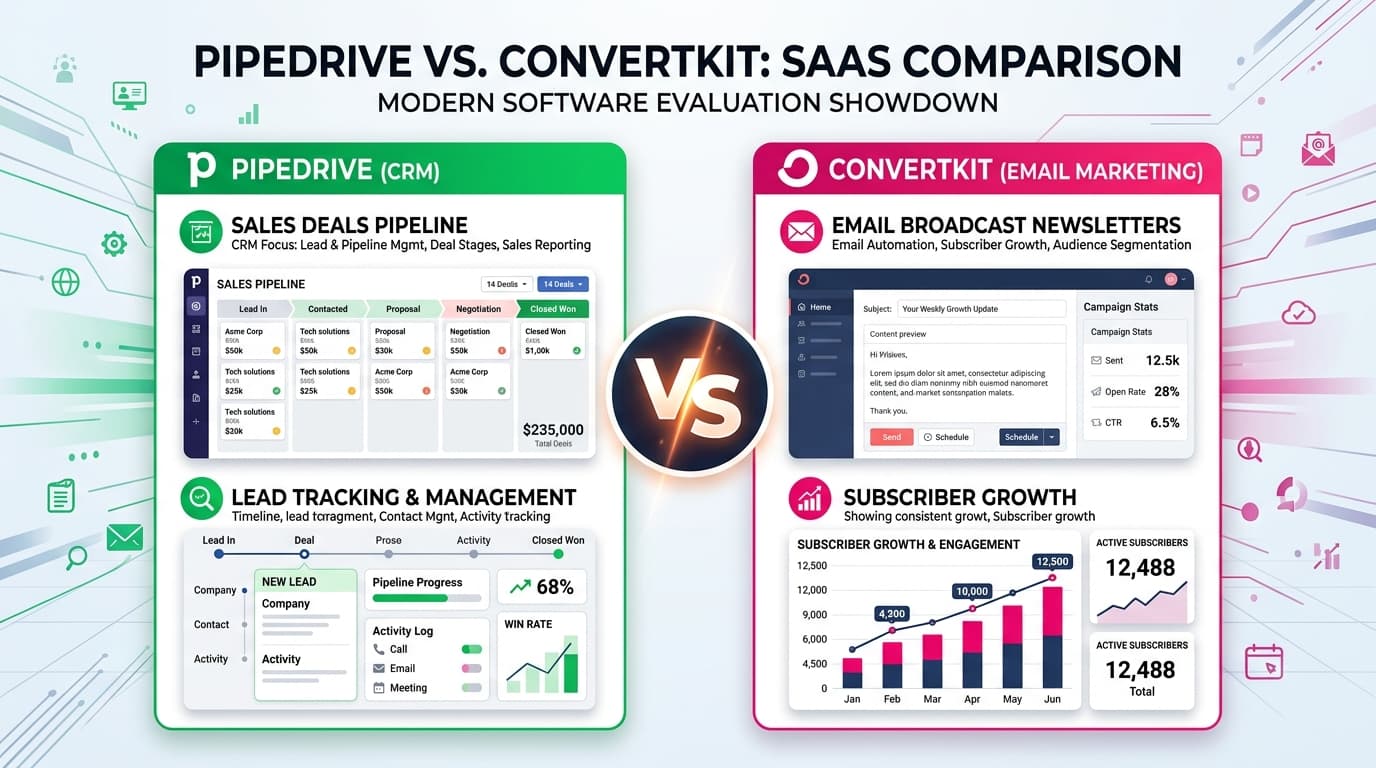
Should a small business use Pipedrive or ConvertKit?
Choose Pipedrive if your business relies on direct outreach, manual sales calls, and customized proposal stages for high-value B2B deals. Choose ConvertKit if your business generates revenue through digital products, newsletters, and automated email nurturing sequences sent to hundreds or thousands of subscribers.
- Pipedrive stands out for individual deal stage tracking and sales rep accountability
- ConvertKit provides superior visual email funnel automation and broadcast delivery
- Pipedrive pricing starts at $14/user/mo; ConvertKit offers a free tier up to 1,000 subscribers
- Webhooks and Zapier allow bi-directional syncing between both platforms
At a Glance: Main Points
- Pipedrive is architected for high-touch, one-to-one B2B sales pipelines and custom deal stages.
- ConvertKit centers on one-to-many email newsletters, subscriber tags, and automated drip sequences.
- Pipedrive charges per user seat ($14 to $29/mo), while ConvertKit charges by active subscriber count.
- Many small organizations run both tools in tandem, using ConvertKit for inbound capture and Pipedrive for closed deals.
The Architectural Dilemma: 1-to-1 Deal Sales vs 1-to-Many Email Marketing
Small business owners frequently ask whether they need a sales CRM or an email marketing automation platform. While both categories manage contact records, their underlying data architectures serve opposite commercial motions.
Pipedrive is an activity-based customer relationship manager built around individual deal cards moving across linear pipeline stages. It is designed for businesses where closing a client requires scheduling phone calls, writing bespoke proposals, and tracking executive stakeholder approvals.
ConvertKit, rebranded as Kit, is an audience communication engine. It organizes contacts as subscribers tagged by interests, sending automated educational sequences and mass email broadcasts. Choosing between them requires diagnosing how your business actually acquires revenue.
Pipedrive Core Engine: Visual Pipelines, Activity Scheduling & Deal Stages
Pipedrive built its reputation on visual pipeline clarity. When sales representatives log in, their primary view is a Kanban board representing every open deal in the company pipeline.
The core methodology centers on activity tracking. Instead of focusing solely on closed revenue, Pipedrive prompts reps to schedule the next concrete action for every account, such as sending a revised proposal or following up on a contract draft. Deals without scheduled activities trigger visual warning flags.
Our audit team evaluated Pipedrive Starter and Advanced tiers with two hundred active test deals. Dragging cards across stages updated deal probabilities instantly, and two-way email synchronization automatically logged correspondence into customer timelines without manual intervention.
ConvertKit Core Engine: Visual Automation Funnels, Tags & Broadcasts
ConvertKit approaches customer interaction through content broadcasting and visual rule builders. Rather than tracking deals through sales calls, ConvertKit allows businesses to educate and convert audiences at scale.
The standout feature is its visual automation canvas. Users can draw branching logic trees based on subscriber behavior. For example: When a website visitor downloads an eBook, wait two days, send case study email, and if they click the pricing link, apply the tag Hot Prospect and send an invitation sequence.
Deliverability is another strong point. ConvertKit maintains high sender reputation across major email service providers, ensuring that text-focused broadcasts avoid the promotional tabs of Gmail and Outlook.
Pricing & Seat Economics: User Licenses vs Subscriber Tiers
The financial structures of Pipedrive and ConvertKit diverge markedly. Understanding how each platform scales protects your budget from unexpected bill expansions.
Pipedrive bills per employee seat. Its Starter plan starts at $14 per user monthly on annual terms, while the popular Advanced plan costs $29 per user monthly. A team of three sales reps will pay $87 monthly regardless of whether they manage five hundred contacts or ten thousand deals.
ConvertKit bills based on audience size. It offers a generous zero-dollar plan for up to 1,000 subscribers with basic email sending. Once you need visual automations, the Creator plan starts at $25 monthly for up to 1,000 subscribers, scaling to $41 monthly for 3,000 subscribers and $66 monthly for 5,000 contacts.
Lead Capture: Pipedrive Web Forms vs ConvertKit Landing Pages
Capturing prospect interest requires clean intake interfaces. Both systems provide intake mechanisms, but with different design goals.
Pipedrive provides embeddable web forms designed for structured inquiry qualification. You can create fields requesting project budget, company headcount, and timeline requirements. When submitted, the form automatically generates a new deal card in your pipeline and assigns it to a sales rep.
ConvertKit stands out for consumer-facing opt-in forms and hosted landing pages. It includes dozens of responsive templates designed for newsletter subscriptions, digital product waiting lists, and webinar registrations. Setting up an attractive standalone landing page takes under fifteen minutes without custom code.
Automation Trigger Logic: Internal Sales Tasks vs Automated Nurture Sequences
Examining automation logic reveals the functional boundary between these two systems. Pipedrive automates internal team actions, while ConvertKit automates external customer messaging.
In Pipedrive, an automation trigger might state: When a deal moves to Negotiation stage, create a task for the sales manager to review margins and send a Slack notification to the finance channel. It orchestrates internal staff workflow.
In ConvertKit, automation trigger logic acts directly on the contact: When a subscriber purchases Product A, remove them from the introductory sequence, add them to the new customer welcome sequence, and tag them for loyalty promotions. It orchestrates customer communication sequences.
Reporting & Attribution: Deal Win Rates vs Email Open Rates
Executive reporting metrics reflect the distinct purposes of the two software architectures.
Pipedrive provides detailed sales conversion funnels. You can inspect win-loss ratios by deal source, analyze average sales cycle durations across reps, and project upcoming quarterly revenue based on weighted pipeline values. These reports help sales directors identify bottlenecks in their pitch process.
ConvertKit reports on engagement metrics. Dashboard charts display subscriber growth trajectories, email open rates, click-through percentages, and unsubscribe rates per broadcast. It also tracks commercial attribution, revealing exactly how many dollars in digital product sales were generated by a specific email campaign.
Can You Run Both? The Pipedrive plus ConvertKit Integration Architecture
For many small businesses, the optimal solution is not picking one platform over the other, but connecting both tools into a unified growth pipeline.
Through native webhooks or integration connectors like Zapier and Make, companies can deploy ConvertKit at the top of the funnel to capture email subscribers and nurture leads with automated content. When a subscriber clicks a high-intent link, such as Request Enterprise Proposal, a webhook triggers the creation of a deal card inside Pipedrive.
Once the deal closes in Pipedrive, another automation updates the subscriber tag in ConvertKit to Customer, moving them into client education sequences. This hybrid setup combines audience scale with high-touch sales discipline.
Migration & Selection Checklist for Growing Small Businesses
When deciding where to invest your initial software budget, review this four-point operational checklist:
- Evaluate Average Order Value (AOV): If your average contract value exceeds $1,000 and requires custom proposals, prioritize Pipedrive. If your transaction values are under $100 and sell via automated checkout, prioritize ConvertKit.
- Analyze Team Sales Responsibilities: If you have dedicated sales representatives making outbound phone calls, Pipedrive is necessary for tracking call logs and activity goals.
- Measure Inbound Audience Velocity: If your marketing model relies on blog traffic, podcast listeners, or social media followers, ConvertKit allows you to capture and retain those relationships at low cost.
- Assess Technical Integration Capacity: Both platforms support clean CSV data imports and publish REST APIs, ensuring your customer records remain portable as your operations expand.
The Editorial Verdict: Which Platform Fits Your Business Model?
Pipedrive and ConvertKit are both top-tier software products, but they are tools designed for different jobs. Confusing them leads to frustrated sales reps or inflated software bills.
If you run a B2B agency, consulting firm, or high-touch software sales team, Pipedrive delivers unmatched pipeline visibility, activity discipline, and deal velocity tracking.
If you run a content business, eCommerce store, or automated online course company, ConvertKit provides an unbeatable ecosystem for email deliverability, audience nurturing, and digital product revenue.
Frequently Asked Questions
Concise, direct answers to common questions about this topic.

Liam spent eight years setting up workspace software, documentation wikis, and task systems for software teams. He writes practical evaluations on how software handles real team communication.
Related Guides & Teardowns
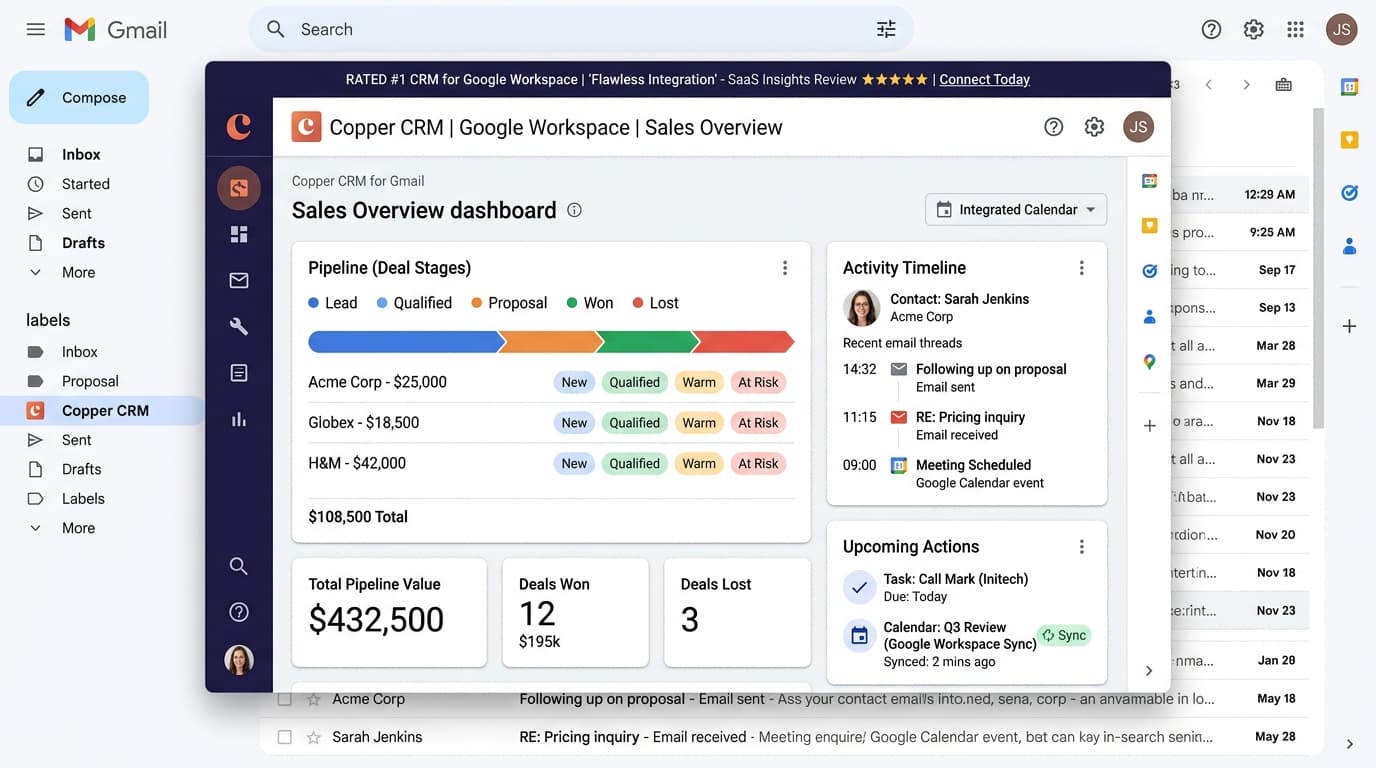
Copper CRM Review: Gmail Sync, Trial Caps & Pricing
Detailed review of Copper CRM. Test native Gmail sync, Google Sheets workflows, contact caps, and see whether the Starter plan pays off.
 Sarah Jenkins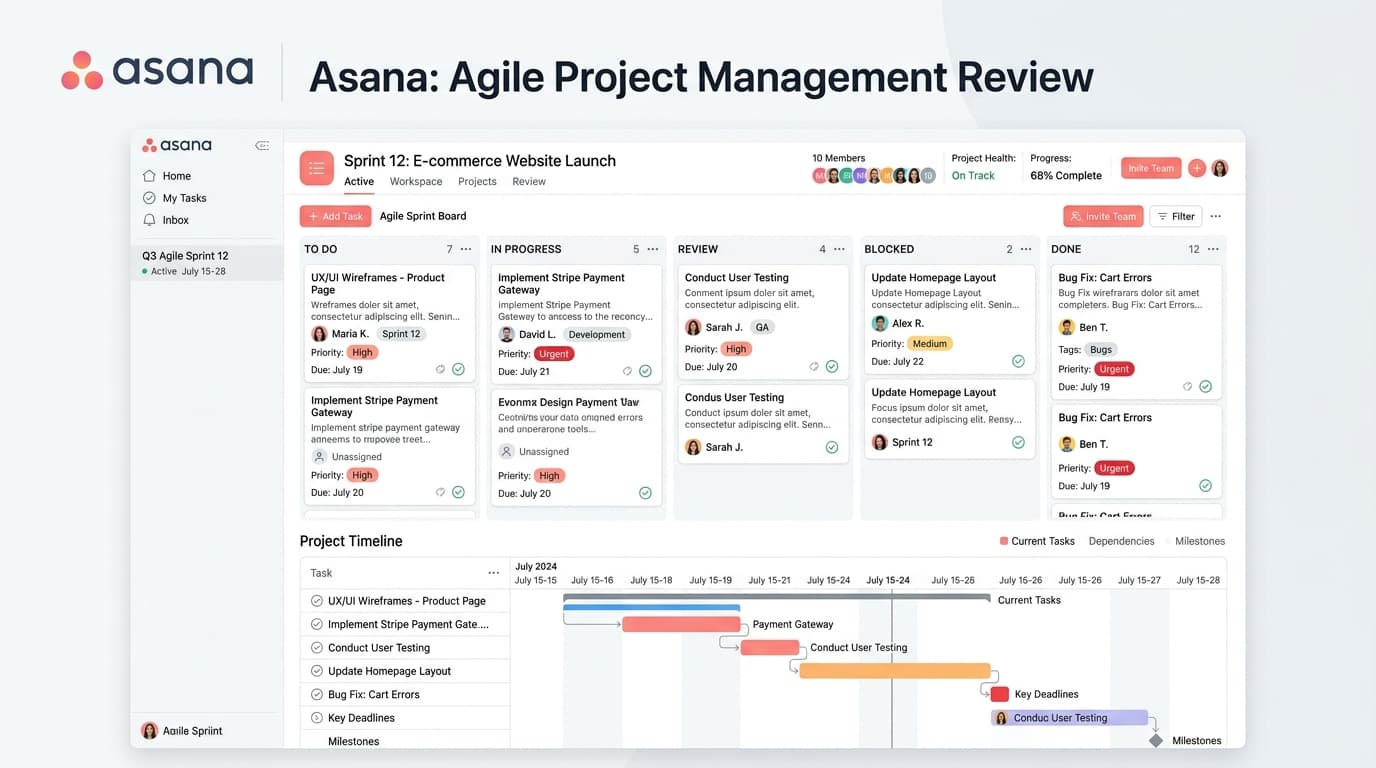
Asana Free Plan Review: 10-User Cap & Timeline Limits
Tested review of Asana Personal. Check the 10-seat user cap, missing Timeline Gantt charts, lack of custom fields, and Starter upgrade math.
 Liam Cooper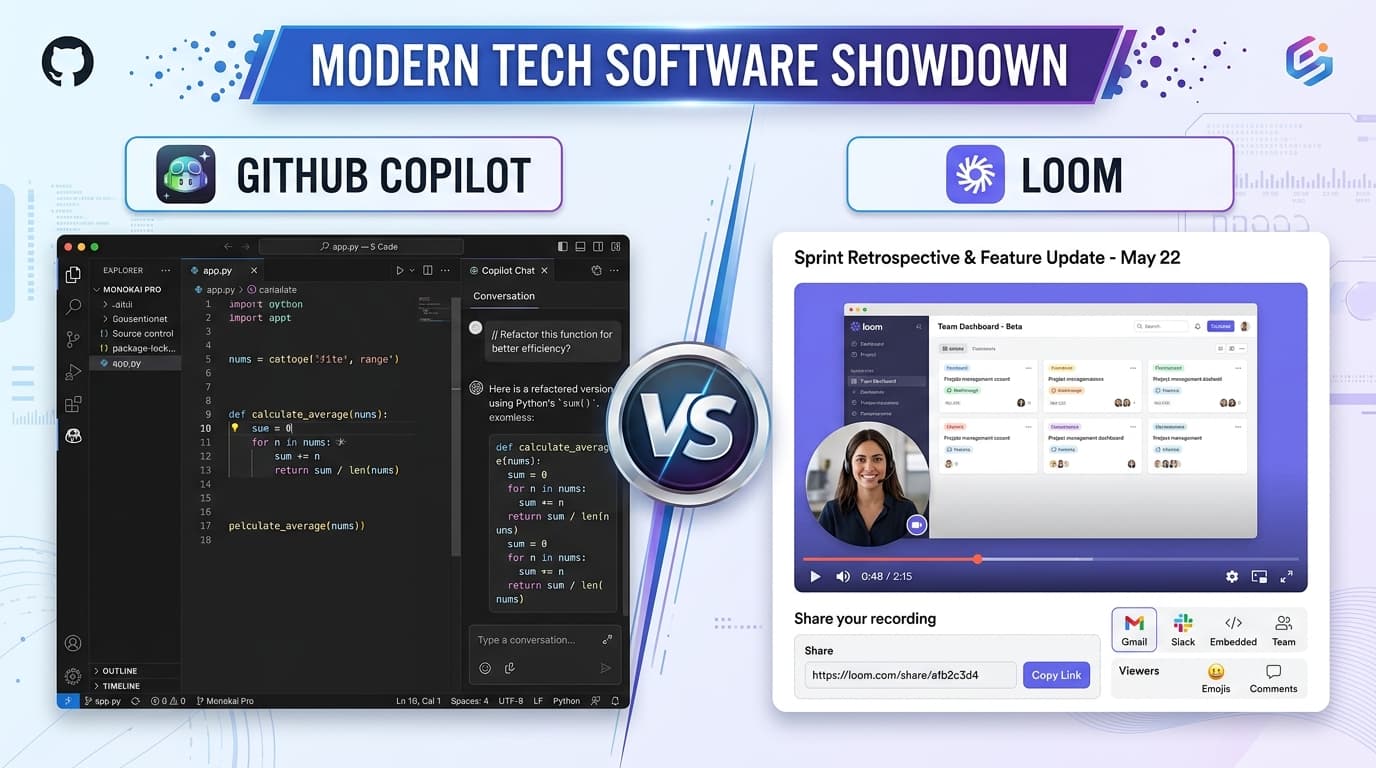
GitHub Copilot vs Loom: AI Coding vs Async Video Demo
Compare GitHub Copilot and Loom for software teams. Contrast AI code completion against async video bug reporting, team pricing, and speed.
 Alex Rivera