GitHub Copilot vs Loom: AI Coding vs Async Video Demo
Compare GitHub Copilot and Loom for software teams. Contrast AI code completion against async video bug reporting, team pricing, and speed.

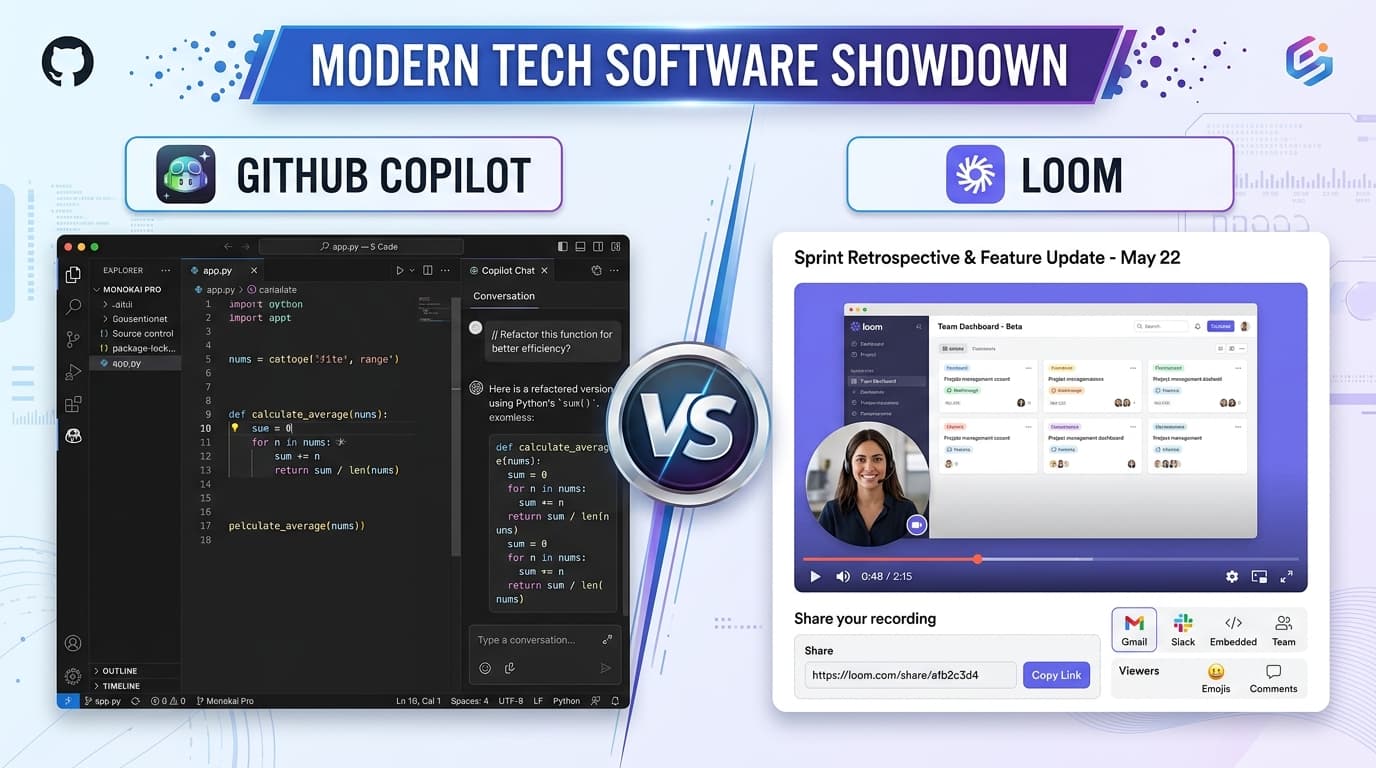
Should a software team invest in GitHub Copilot or Loom first?
Invest in GitHub Copilot first if your engineering bottleneck is raw code writing speed, repetitive boilerplate typing, and unit test generation. Invest in Loom first if your primary productivity drain is endless sync meetings, confused pull request reviews, and ambiguous bug reports between product managers and engineers.
- Copilot acts as an AI pair programmer inside modern code editors
- Loom acts as a visual communication layer eliminating redundant standups
- Copilot Business is priced at $19/user/mo; Loom Business is $12.50/user/mo
- High-performing development squads frequently run both tools together
At a Glance: Main Points
- GitHub Copilot accelerates raw code authoring inside VS Code and JetBrains IDEs.
- Loom accelerates team alignment by replacing status meetings with 2-minute video recordings.
- Copilot costs $10 monthly for individuals and $19 per user monthly for business organizations.
- Loom Business costs $12.50 per user monthly, offering unlimited video storage and automatic transcripts.
The Developer Productivity Divide: Code Generation vs Context Sharing
Engineering leaders evaluating team productivity frequently face two distinct friction points: the time it takes to write code, and the time wasted explaining code to teammates. GitHub Copilot and Loom tackle these problems from opposite directions.
GitHub Copilot operates directly inside code editors like Visual Studio Code and JetBrains. Using large language models trained on public repositories, it acts as an intelligent pair programmer that autocompletes functions, writes repetitive unit test suites, and answers architectural questions in a dedicated chat panel.
Loom, by contrast, is a communication utility that allows engineers, QA testers, and product managers to record narrated screen captures in seconds. Instead of typing lengthy Jira tickets or scheduling thirty-minute video calls, developers record two-minute visual walkthroughs showing exact bug reproduction steps.
GitHub Copilot Core Architecture: Inline Autocomplete & PR Summaries
The strength of GitHub Copilot lies in its deep contextual integration with your local workspace. As you write code, Copilot analyzes adjacent open files, comment docstrings, and function signatures to predict your next logic block.
In our benchmark evaluations across TypeScript, Python, and Go codebases, Copilot correctly predicted standard REST controller patterns, database schema mappings, and regex string parsers on the first tab press. It shines at eliminating routine boilerplate, allowing senior engineers to concentrate on domain logic.
With Copilot Chat, developers can highlight an unfamiliar legacy function and ask: Explain what this algorithm does and suggest boundary condition test cases. The model generates structured test scaffolds directly inside the editor, cutting down manual test writing time by an estimated forty percent.
Loom Core Architecture: Screen Capture & Visual Bug Reproduction
While Copilot accelerates typing speed, Loom accelerates team comprehension. Software development is inherently visual, yet engineering handoffs are traditionally forced into static text comments and fragmented screenshots.
With Loom, a developer can click a global hotkey, record their browser terminal alongside a small webcam bubble, and articulate their architectural rationale while clicking through the interface. The moment recording halts, a shareable cloud link is generated instantly.
For cross-functional teams bridging technical developers and non-technical founders, Loom eliminates the ambiguity of bug reports. When a QA tester demonstrates a rendering defect with live console logs open, developers resolve the issue in half the time without back-and-forth clarification messages.
Seat Pricing & Team Tiers: $10-$19 Copilot vs $12.50 Loom
Both software platforms follow standard per-seat monthly billing models, but their subscription tiers cater to different team structures.
GitHub Copilot offers an Individual tier for $10 monthly ($100 annually), which freelance programmers can purchase independently. Engineering squads deploy Copilot Business at $19 per user monthly, which adds centralized license management, policy controls to block suggestions matching public code, and corporate IP indemnification.
Loom provides a free Starter tier capped at 25 videos and five minutes per clip. Its mainstream commercial plan is Loom Business, priced at $12.50 per user monthly on annual billing ($15 monthly month-to-month). Loom Business unlocks unlimited video uploads, automatic transcripts, custom branding, and interactive viewer call-to-action buttons.
Training Junior Developers: AI Pair Assistant vs Recorded Guides
Bringing new software engineers into a complex codebase represents one of the largest drains on senior developer time. Both tools play supportive roles during engineer orientation.
Copilot acts as a patient, 24/7 mentor for junior developers. When an engineer encounters an unfamiliar internal library or proprietary utility function, Copilot Chat explains syntax parameters without requiring the developer to interrupt senior teammates.
Loom provides enduring institutional memory. Senior engineers can record five-minute video walkthroughs explaining architecture repositories, local environment Docker setups, and continuous integration deployment scripts. Instead of repeating the same spoken presentation for every new hire, the recordings serve as a permanent, searchable video library.
Pull Request Workflows: Copilot Diff Explanations vs Loom Screen Demos
Pull request reviews represent the heartbeat of software quality assurance, but code reviews often slow down when reviewers struggle to comprehend pull request objectives.
Copilot integrates with GitHub Pull Requests to draft automated bullet-point summaries of modified files. It analyzes commit diffs and generates readable descriptions outlining which database tables, controllers, and tests were updated, saving authors five to ten minutes of release note drafting per PR.
Loom elevates code reviews by attaching visual demonstrations. When opening a complex pull request that refactors user authentication, the author can record a two-minute video demonstrating the product interface changes, walking through edge cases, and pointing out subtle code changes. Reviewers can approve changes with higher confidence and faster turnaround.
Security, Telemetry & Code Privacy Considerations
Enterprise technology leaders must evaluate data handling safeguards before authorizing developer tools across proprietary code repositories.
On GitHub Copilot Business, Microsoft and GitHub enforce strict policies stating that customer code snippets are not retained or used to train future public foundation models. Corporate administrators can toggle filters that block Copilot from suggesting code sequences longer than 150 characters that match public open-source code.
Loom complies with SOC2 Type II standards and incorporates role-based permission settings. Companies can configure single sign-on (SSO), restrict video sharing strictly to authenticated corporate domain emails, and disable public web link access to prevent proprietary product previews from leaking externally.
Eliminating Status Meetings: How Loom Cuts Weekly Calendar Overhead
The primary economic justification for Loom is meeting reduction. When small teams conduct daily thirty-minute standup meetings, five engineers spend 12.5 combined staff hours per week in synchronous discussion.
By transitioning daily status reports to two-minute asynchronous Loom updates, engineers record their progress when taking natural breaks between coding tasks. Teammates watch updates at 1.5x playback speed when starting their shift.
This asynchronous rhythm preserves deep focus blocks, the uninterrupted four-hour stretches where software developers produce their highest quality architectural output, resulting in noticeable gains in sprint completion rates.
Tool Stack Combination: When Small Engineering Squads Deploy Both
Rather than treating GitHub Copilot and Loom as competing expenses, mature engineering organizations observe that they address non-overlapping quadrants of the developer experience.
Copilot accelerates internal cognitive velocity: typing code, drafting tests, generating queries, and debugging syntax errors inside the developer IDE.
Loom accelerates external team alignment: demonstrating working software, coordinating design reviews, training new hires, and communicating technical tradeoffs to non-coding team leads. Deploying both tools typically costs around $31.50 per developer monthly, an expenditure easily offset by saving just two hours of senior engineering time per month.
The Editorial Verdict: Where to Allocate Your Engineering Budget
If your budget allows choosing only one tool this quarter, evaluate your current team bottleneck.
Choose GitHub Copilot if your team consists of experienced, focused engineers building software in a well-defined product architecture where faster coding speed and automated test generation directly accelerate delivery timelines.
Choose Loom if your engineering team is losing hours to alignment meetings, context-switching between Slack messages, and struggling to explain complex technical changes to product managers and remote colleagues.
Frequently Asked Questions
Concise, direct answers to common questions about this topic.

Alex is a backend software developer who spent over a decade maintaining distributed systems and internal developer portals. At SaaSInsider, he tests software speed, writes custom webhook scripts, and stress-tests third-party API limits.
Related Guides & Teardowns
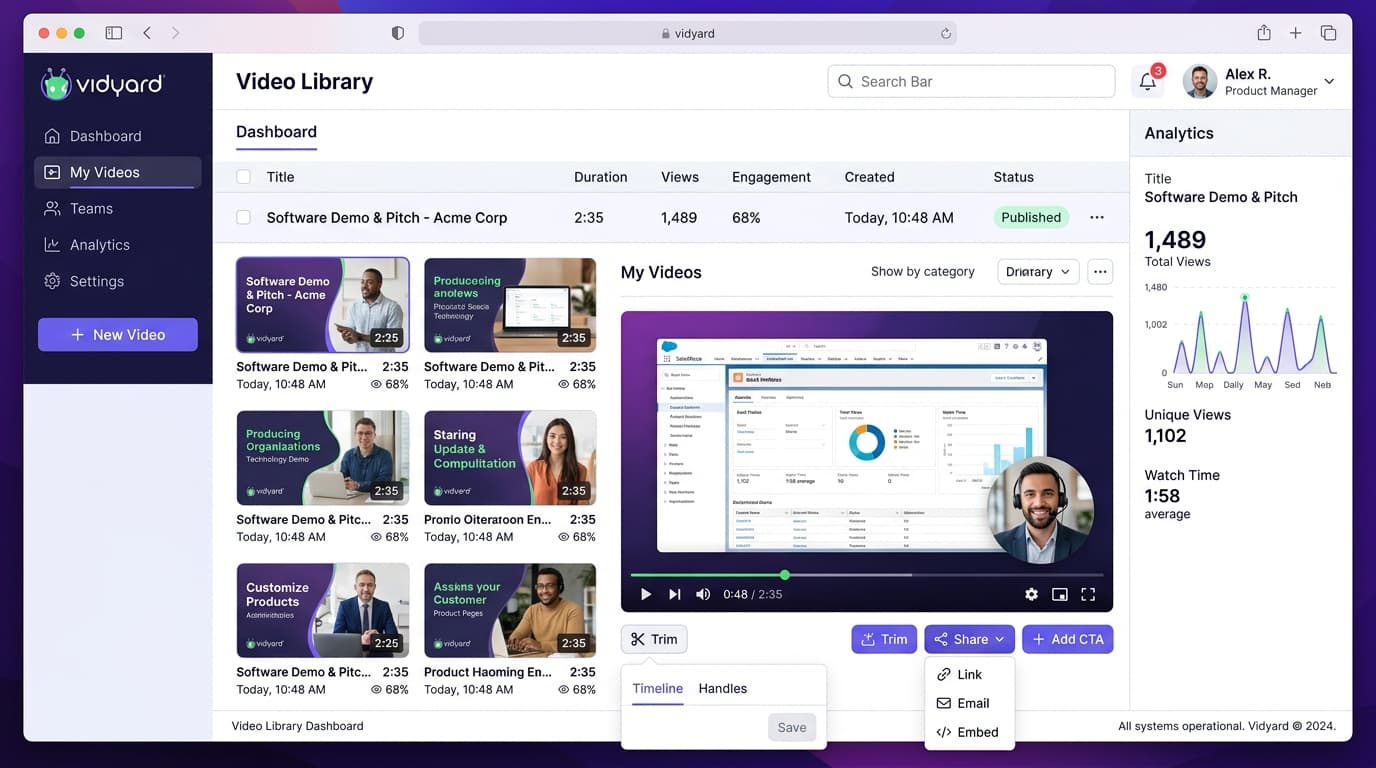
Vidyard Free Plan Review: 25-Video Limit & Pro Value
Hands-on review of the Vidyard free plan. Test the 25-video storage ceiling, 30-minute recording caps, and true value of the Pro upgrade.
 Alex Rivera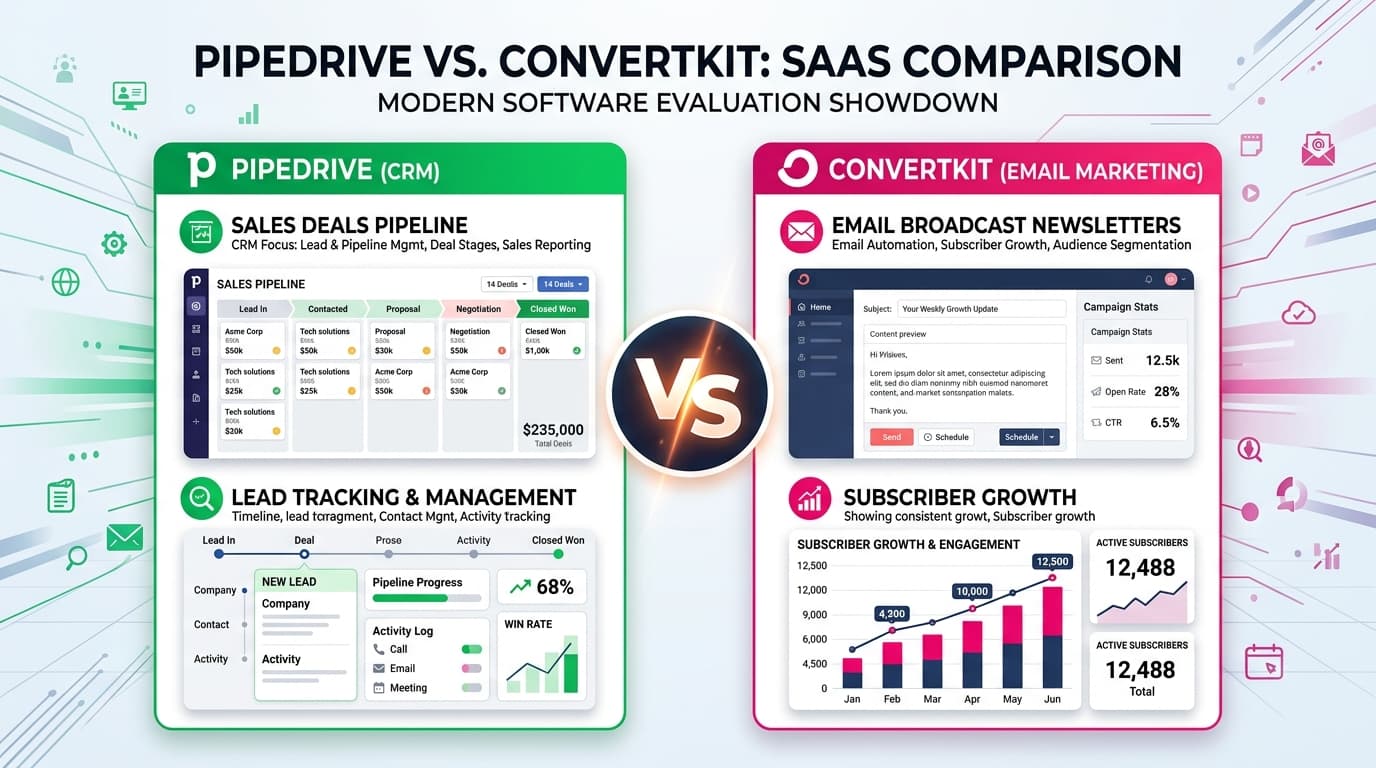
Pipedrive vs ConvertKit: Sales CRM vs Email Marketing
Compare Pipedrive and ConvertKit for teams. Evaluate sales pipeline CRM against automated email marketing funnels and true software pricing.
 Liam Cooper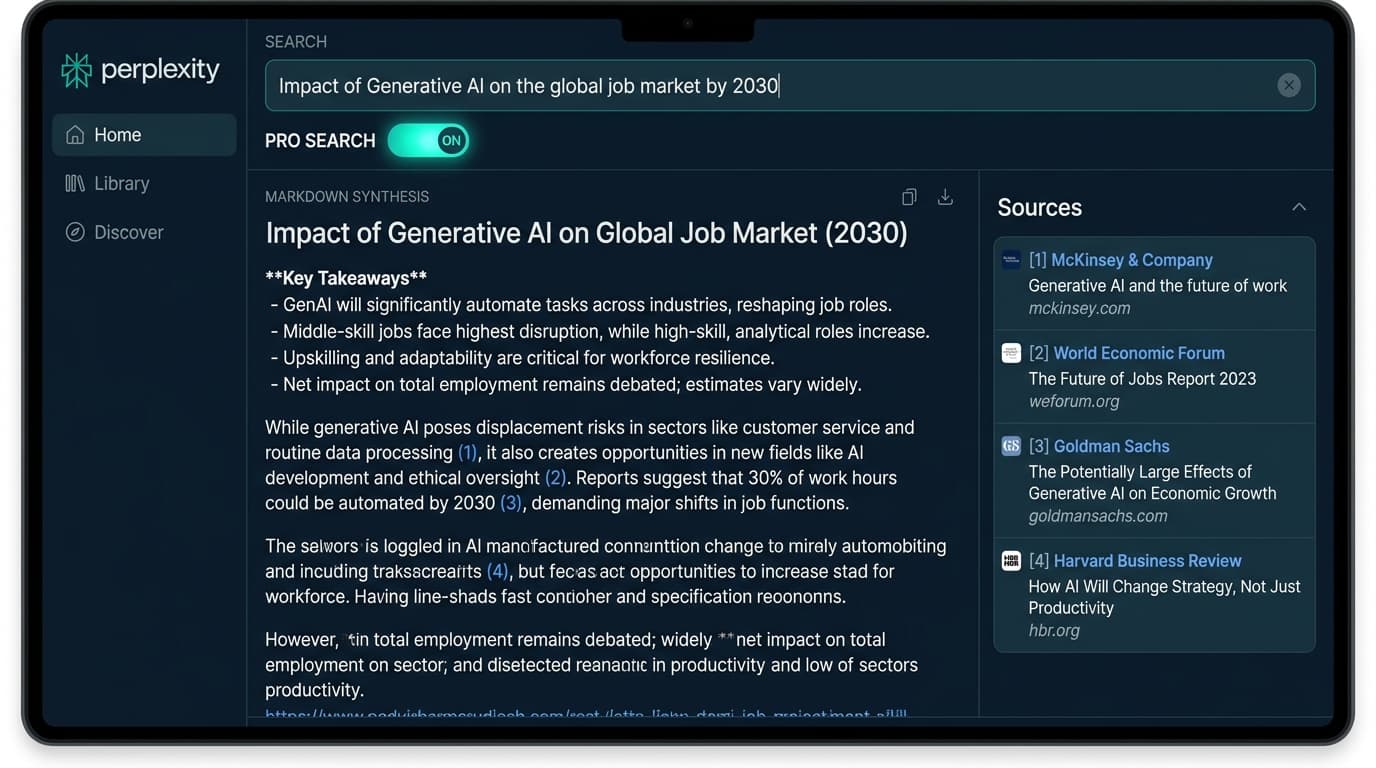
Perplexity AI Review: Free vs Pro Search Caps & Cost
Hands-on test of Perplexity AI. Audit the 5 Pro searches per 4 hours limit, citation accuracy, Claude 3.7 model toggles, and the Pro plan.
 Maya Lin