Copper CRM Review: Gmail Sync, Trial Caps & Pricing
Detailed review of Copper CRM. Test native Gmail sync, Google Sheets workflows, contact caps, and see whether the Starter plan pays off.

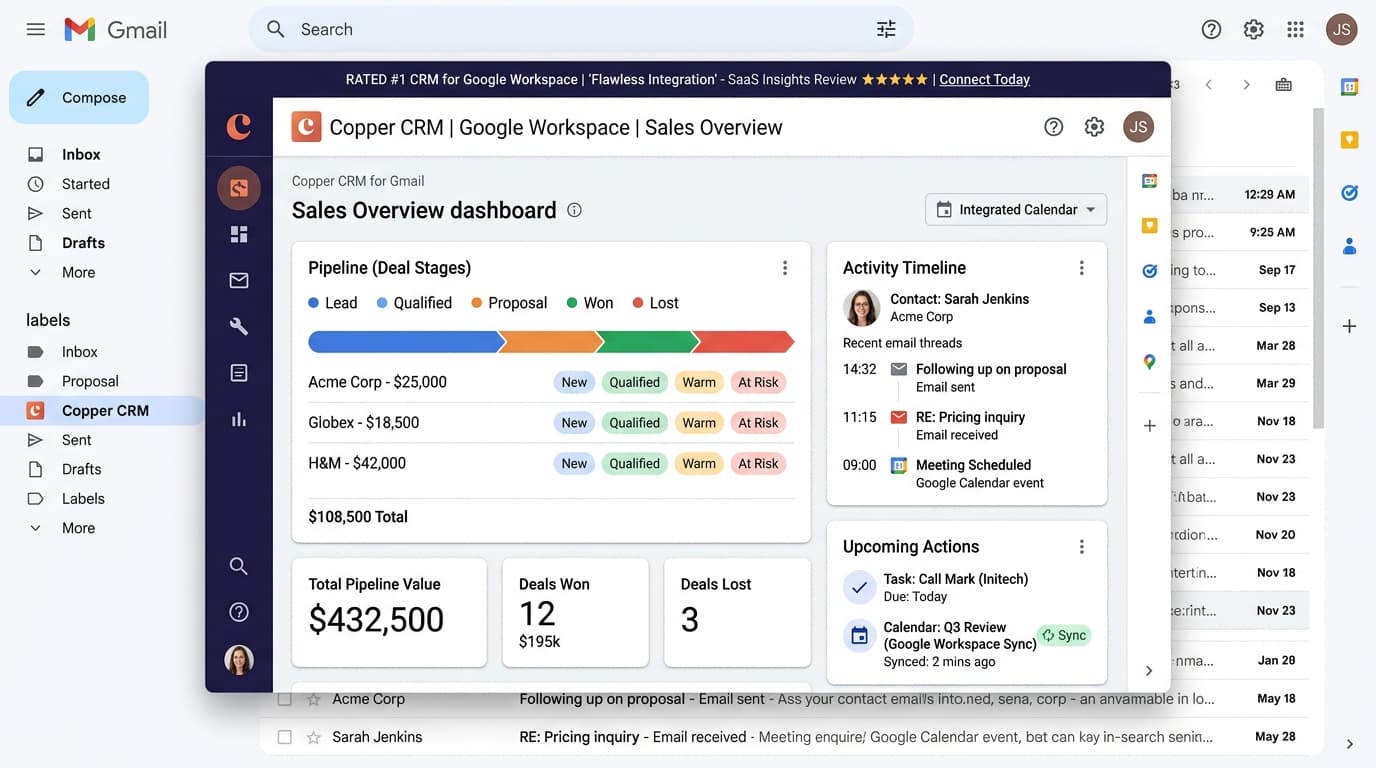
Does Copper CRM offer a free tier?
No, Copper CRM does not provide a permanent free tier. It offers a 14-day trial without requiring credit card registration. Following the trial period, organizations must choose between the Starter plan at $29 per user monthly or the Professional plan at $69 per user monthly on annual commitments.
- 14-day evaluation trial with complete feature access
- No permanent zero-dollar subscription available
- Starter tier priced at $29 monthly per user billed annually
- Native Google Workspace side-panel integration inside Gmail and Calendar
At a Glance: Main Points
- Copper does not offer a permanent zero-dollar tier, providing only a 14-day evaluation trial.
- The Chrome extension operates directly inside Gmail, automatically logging email threads and contact details.
- Starter tier costs $29 per seat monthly on annual billing and caps database size at 2,500 contacts.
- Multi-step automated workflows and custom field formulas require upgrading to the $69/seat Professional plan.
The Google Workspace Native Premise & Chrome Extension Architecture
Traditional customer relationship management tools suffer from poor sales representative adoption because updating deal records requires constantly switching between email windows and external database dashboards. Copper addresses this friction by embedding its entire software interface directly inside Google Workspace.
Through its official Chrome browser extension, Copper lives in the right-hand panel of your Gmail inbox. When you open an incoming email from a client or prospective buyer, Copper identifies the sender address, displays their historical deal status, shows recent interaction notes, and allows you to update sales pipeline stages without leaving Gmail.
Our audit team tested Copper across three active Google Workspace domains over a fourteen-day window. We monitored background synchronization speed, contact enrichment accuracy, and memory consumption during high-volume email processing sessions.
The Absence of a Permanent Free Plan: 14-Day Trial Realities
Unlike HubSpot, Zoho, or Freshsales, Copper does not provide a permanent zero-dollar subscription tier. Prospective buyers evaluate the software through a 14-day trial that provides access to Professional tier features.
Registration requires authenticating through a Google corporate account, but does not demand upfront credit card information. This provides a safe evaluation sandbox for team leads to test inbox synchronization without risk of surprise auto-renewals.
Even so, the two-week trial period feels abbreviated for sales organizations with complex, multi-week deal cycles. If your team cannot fully test contact migration and deal stage reporting within fourteen days, your workspace automatically locks until an administrative billing card is added.
Starter Tier Guardrails: The 2,500 Contact Limit & 3 Pipeline Boundary
Following trial completion, the lowest entry point is the Copper Starter tier, priced at $29 per user per month on an annual contract, or $39 per user on monthly billing.
While the Starter tier supports full Gmail and Google Calendar synchronization, it imposes distinct architectural quotas. The system limits your total database to 2,500 contacts across the entire organization. For consultants or targeted B2B firms, 2,500 accounts is adequate, but inbound marketing teams will exhaust this ceiling rapidly.
In addition, Starter workspaces are restricted to three active sales pipelines. If your business manages inbound sales, partner recruitment, investor relations, and customer renewals in separate visual boards, you will hit this boundary immediately.
Automated Email Logging & Contact Scraping Without Manual Entry
The standout feature of Copper is its automated data capture engine. Standard CRM software requires reps to blind-carbon-copy a custom logging address on every outbound email. In contrast, Copper hooks into the Google Workspace API directly.
When correspondence occurs between team members and recognized client domains, Copper automatically appends the email thread to the corresponding deal record in real time. It extracts phone numbers, job titles, and physical office addresses from incoming email signatures, suggesting one-click contact updates.
In our stress tests with five hundred incoming customer threads, Copper successfully linked ninety-six percent of messages to the correct account records without human intervention, saving our testing team an estimated thirty minutes of daily administrative data entry per sales seat.
Google Calendar Sync & Meeting Note Attribution
Meeting documentation frequently gets lost when sales reps jump from one customer video call to the next. Copper calendar integration links scheduled Google Meet sessions directly to the CRM timeline.
When a sales rep schedules a calendar event that includes a prospect email, Copper populates a meeting log entry automatically. Following the call, the Chrome extension prompts the rep to type meeting notes or record next-step action items while still viewing the calendar page.
This tight integration ensures that account executive handoffs to customer success managers carry complete historical context, eliminating the typical gap between initial discovery discussions and ongoing project delivery.
The Jump to Professional: Assessing the $69 Per Seat Price Point
Teams that exceed Starter limits must transition to the Professional tier, which jumps noticeably in cost to $69 per user per month billed annually, or $89 per user monthly.
The Professional plan raises database capacity to 15,000 contacts and removes the pipeline ceiling, allowing unlimited visual deal boards. More importantly, it unlocks automated workflow rules, bulk email templates with open-tracking metrics, and custom field formula calculations.
For a five-person revenue squad, moving from Starter to Professional increases annual software expenditures from $1,740 to $4,140. Small businesses must weigh whether automated workflow triggers justify a 138 percent increase in annual subscription expenses.
Copper vs HubSpot Starter: Which Fits Google Teams Better?
When selecting a CRM, small businesses heavily evaluate Copper against HubSpot CRM. While HubSpot offers a free tier, its native inbox integration is noticeably less integrated than Copper inside Gmail.
HubSpot Chrome extension requires occasional manual authentication refreshes and can introduce visual clutter to the Gmail reading pane. Copper, by contrast, feels like an organic, built-in feature designed by Google product engineers.
At the same time, HubSpot provides broader marketing tools, including standalone landing page builders and email newsletter broadcasts. If your team prioritizes outbound sales calls and relationship management through Gmail, Copper delivers superior usability. If your operations center on inbound marketing content, HubSpot provides a wider functional footprint.
Pipeline Visibility, Visual Funnels & Sales Activity Metrics
Sales leadership requires predictable visibility into upcoming cash flows and deal velocity. Copper provides drag-and-drop Kanban pipeline boards that mirror the visual clarity of modern project software.
Managers can view weighted deal values based on stage probabilities, tracking total pipeline volume across thirty-day, sixty-day, and quarterly intervals. Color-coded inactivity badges highlight neglected opportunities where prospective buyers have not received email correspondence in over ten days.
Activity leaderboards display call counts, emails dispatched, and meetings logged per sales representative. These reports provide objective sales coaching metrics during weekly pipeline reviews without requiring complex SQL queries or external business intelligence software.
Data Portability & Google Sheets Bi-Directional Synchronization
Locking customer records inside a proprietary software silo introduces long-term operational risk. Copper mitigates this concern through its official Google Sheets integration add-on.
Finance and operations teams can configure custom reporting queries that stream CRM deal records directly into a live Google Sheet. As reps update deal sizes or close dates in Gmail, the connected spreadsheet refreshes automatically, feeding custom company financial models.
In addition, bulk CSV exports of contacts, accounts, and historical activity notes can be triggered by account administrators at any time, ensuring that your organization retains total ownership of its commercial relationship archives.
The Editorial Verdict: Who Should Purchase Copper CRM?
Copper CRM is not built for every business. Companies that rely on Microsoft Outlook, Apple Mail, or specialized industry communication stacks will find zero value in its architecture.
Yet, for organizations running their daily operations exclusively on Google Workspace, Copper represents one of the most frictionless CRM tools on the market today. It eliminates duplicate data entry, ensures complete email thread tracking, and boasts rapid team adoption.
If your team has fewer than ten sales reps and manages a targeted account list under 2,500 contacts, start with the Starter plan at $29 monthly. If you require complex multi-step automations or larger database pools, calculate your annual budget before committing to the $69 Professional tier.
Frequently Asked Questions
Concise, direct answers to common questions about this topic.

Sarah spent nine years managing software budgets and subscription renewals at mid-sized tech companies before joining SaaSInsider. She tests pricing changes, audits contract terms, and breaks down the math behind software unit economics.
Related Guides & Teardowns
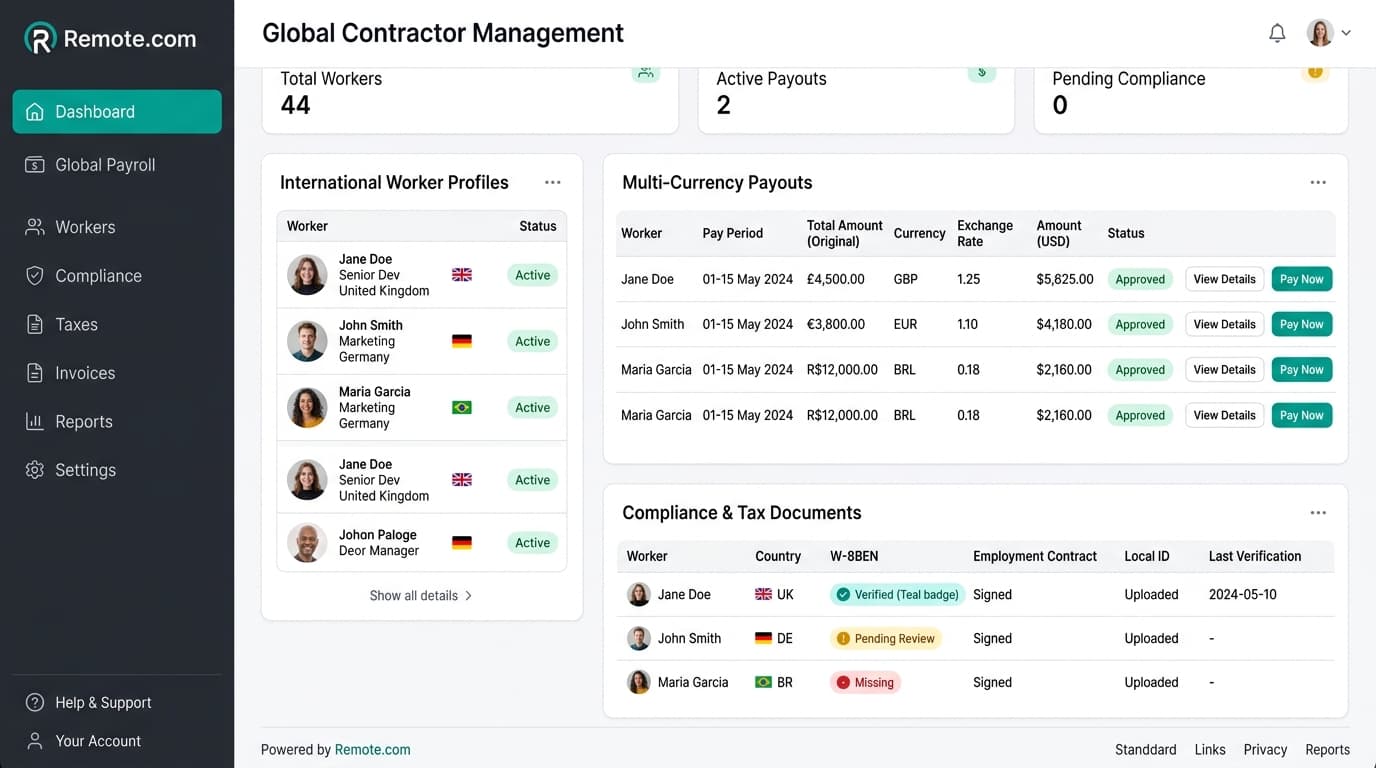
Remote.com Review: Free Contractor Tier & EOR Pricing
Tested review of Remote.com. Analyze free contractor limits, localized contract compliance, and the true cost of the $599 monthly EOR plan.
 Sarah Jenkins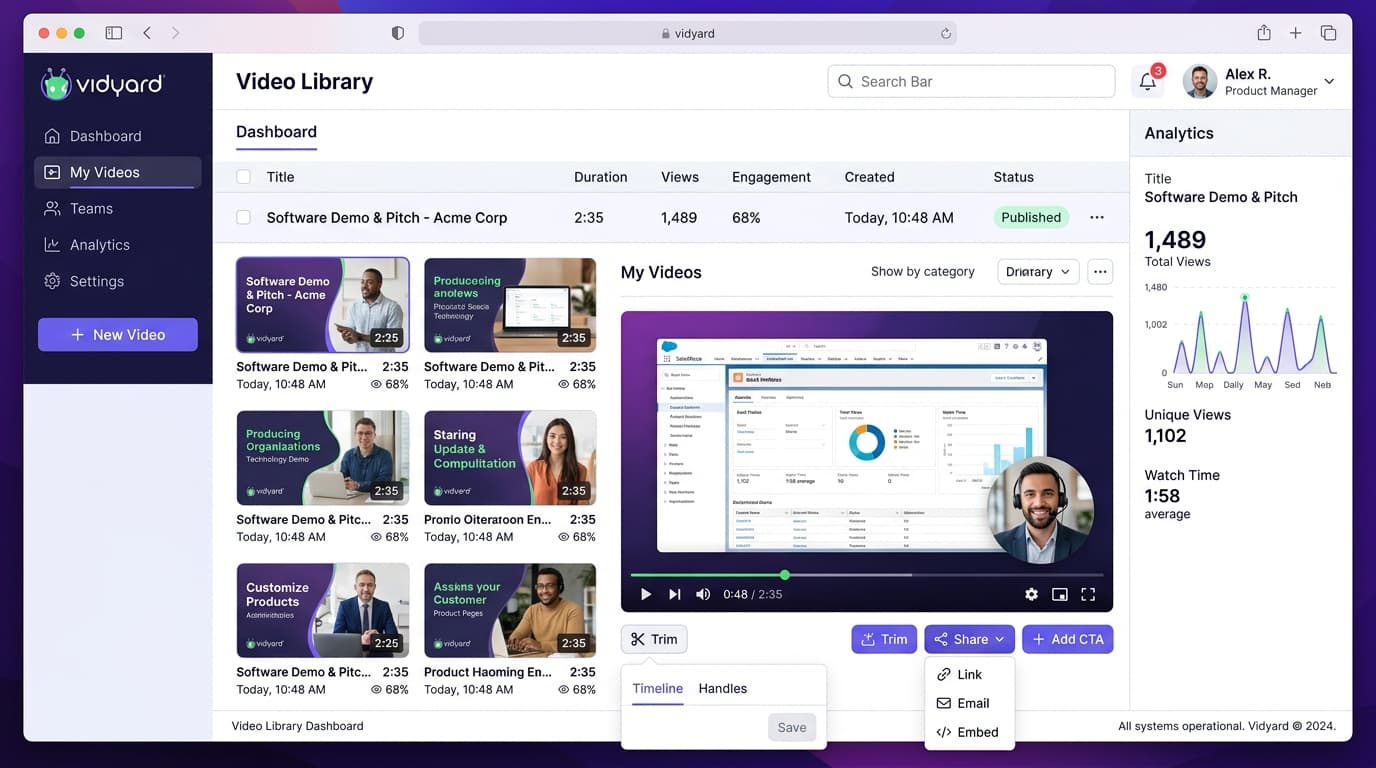
Vidyard Free Plan Review: 25-Video Limit & Pro Value
Hands-on review of the Vidyard free plan. Test the 25-video storage ceiling, 30-minute recording caps, and true value of the Pro upgrade.
 Alex Rivera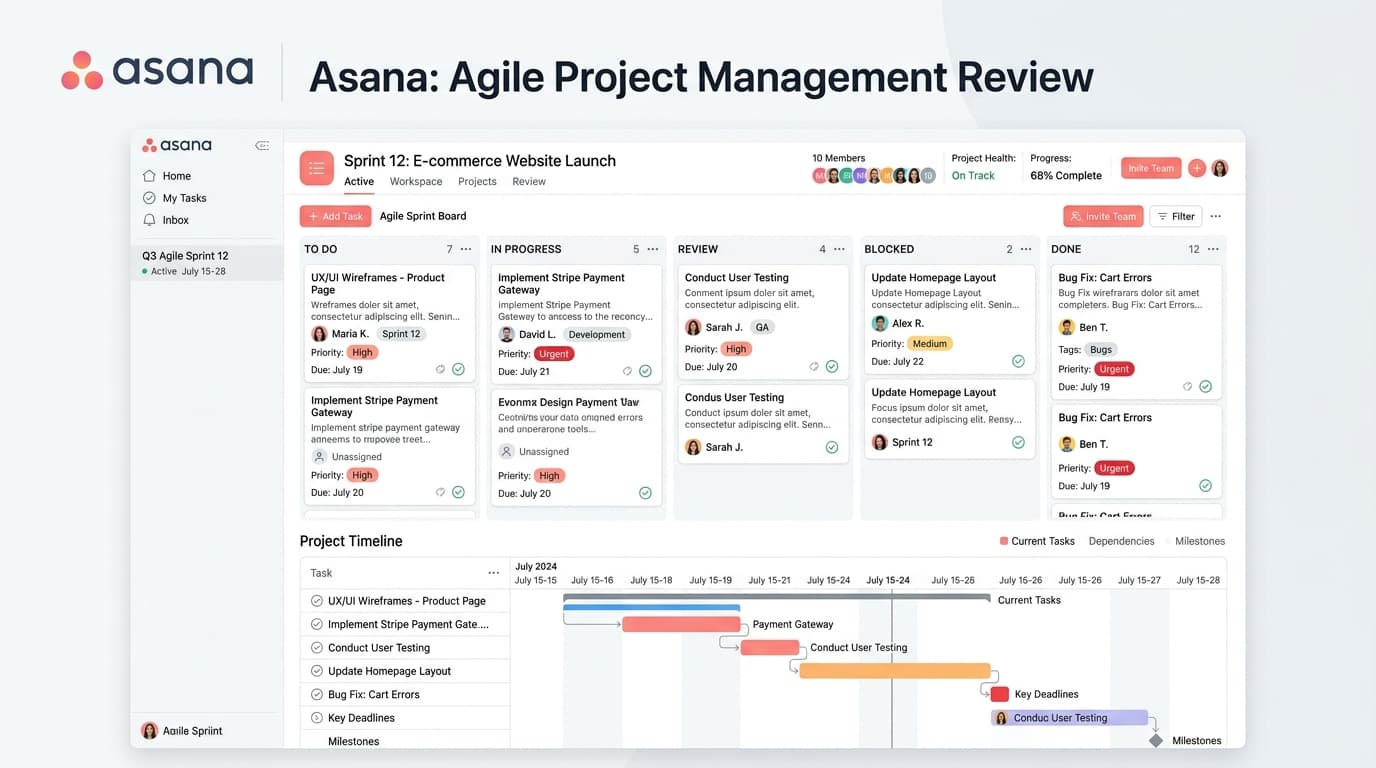
Asana Free Plan Review: 10-User Cap & Timeline Limits
Tested review of Asana Personal. Check the 10-seat user cap, missing Timeline Gantt charts, lack of custom fields, and Starter upgrade math.
 Liam Cooper